Frase coupon code searches usually mean you want Frase’s SEO + GEO workflow for less, without wasting time on unverified code lists. As of March 2026, I couldn’t confirm a public, sitewide code published on Frase’s official pricing or policy pages, so this guide focuses on savings you can validate: using the 7-day free trial, choosing annual vs monthly billing, and matching the plan to your team’s output volume. You’ll also see how to apply a promo if you already received one, plus a quick checklist for why codes fail in checkout. The goal is simple: lower cost per published page, with fewer surprises.
-
Reviews
-
Last Used
-
Date Ends
-
Type
-
country
-
Date Added
As of March 2026, if you’re hunting a Frase coupon code, you’re usually trying to keep content ops costs predictable while still shipping pages that can rank on Google and show up as citations in AI answers. Here’s the boring truth about discounts: the order summary decides. You’re a solo marketer trying to publish consistently without turning SEO into a second job.
You’re an agency lead who needs briefs, drafts, and optimization in one place for multiple clients.
You’re an in-house SEO manager balancing content refreshes, new pages, and reporting.
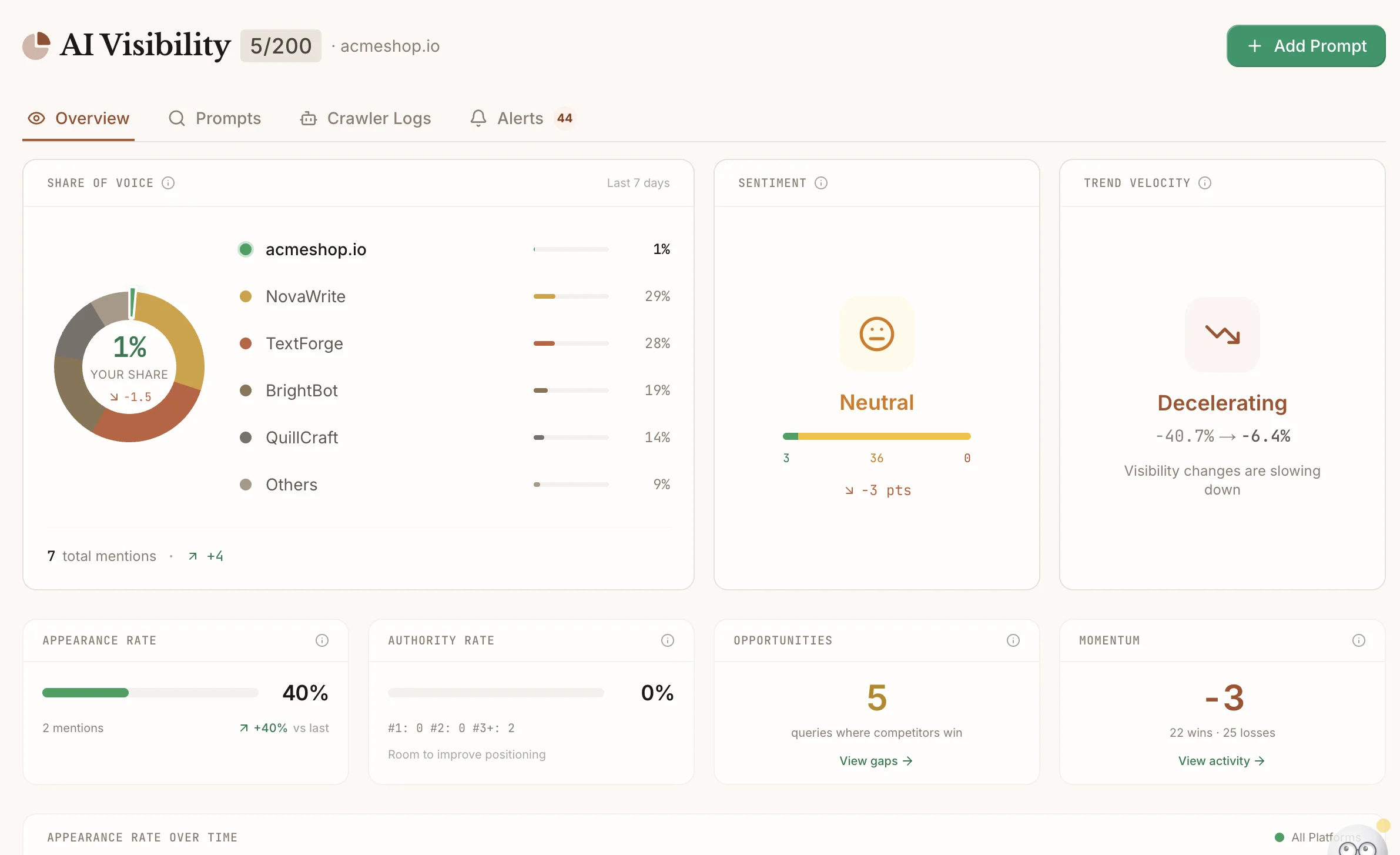
Your checkout may differ depending on your billing region, plan view (monthly vs annual), and account status. This isn’t magic—pricing + policy. Plan math beats coupons. Micro-check: Frase’s pricing toggle labels the annual view as “Annual Save 20%.” Micro-check: the same pricing page highlights a 7-day free trial and that no credit card is required. If the checkout template changes, this may change.
Frase coupon code status
As of March 2026, I couldn’t confirm a public, sitewide coupon string posted on Frase’s official pricing or policy pages. Screenshots lie more often than you think, and coupon aggregators routinely recycle old promos that may have been targeted, capped, or retired. The safest approach is to treat any code as “unverified” until you see the total change inside the official checkout flow, on the plan you actually want to use.
Start from the official buttons inside your account, then work outward only if you must. If a deal can’t be reproduced, it isn’t a deal.
Best for: content teams who want SERP-driven research, an editor with SEO + GEO scoring, and workflows that help you go from topic → brief → draft → optimize without bouncing between tools.
Not ideal for: anyone who publishes rarely (a few pages per quarter) or teams who already have a locked-in stack for research, briefing, writing, and optimization.
Check with a professional first if: you publish in YMYL niches (health, finance, legal) and need expert review, citations, and compliance checks before content goes live.
I first assumed the best savings would come from hunting a coupon string, then realized Frase’s most dependable savings levers are plan volume and the annual billing option you can see before checkout.
To get real value from Frase, decide what you want the platform to replace: a separate SERP research tool, a separate brief template, a separate optimizer, or a patchwork of all three. When you know your “replacement set,” it becomes much easier to pick a tier and ignore coupon noise.
Best ways to save (no-code)
Policy outlasts promos, so read it once and then focus on decisions you control: when you subscribe, which tier you pick, and how much of the platform you actually use every week. Don’t overbuy capacity you won’t use this month, especially if your publishing calendar is spiky.
- Use the free trial like a production test: create one brief from a target query, draft a page, and run an optimization pass; if that loop doesn’t save time, the paid plan won’t feel “cheaper” in month two.
- Choose annual billing only after usage is steady: annual pricing can reduce your effective monthly cost, but it’s only a win if you already know Frase will be part of your weekly workflow.
- Pick the plan by volume, not by ambition: if your team only ships a small set of pages, start smaller and scale once you consistently hit limits.
- Use add-ons intentionally: extra capacity can be useful during launches or refresh sprints, but it’s usually cheaper to fix workflow waste first than to buy more usage “just in case.”
- Time your paid months to your content sprints: if you publish heavily during campaigns or quarterly pushes, subscribe for the sprint window and reassess when the calendar slows down.
Rule of thumb: if you can’t point to at least one published page per week that Frase helped you research, draft, or meaningfully improve, stay on the smallest tier (or trial) until that habit exists.
Spend minutes verifying offers, not hours chasing them, and you’ll usually save more time than any coupon would cover. For a quick plan check, use this Frase link and compare tiers against your next 30 days of deliverables.
How to apply a promo (steps)
If you received a legitimate promotion directly from Frase (for example, a partner email, a webinar offer, or a sales-assisted quote), keep the process simple and auditable so you can prove what happened later.
- Log in and open the official pricing or upgrade flow from your Frase account.
- Select the plan tier first, then choose monthly vs annual billing so you’re testing the code against the correct price.
- Look for a promotion/discount field during checkout and enter the code exactly as provided.
- Confirm the total updates in the order summary before you submit payment.
- Save your receipt email and set a renewal reminder immediately.
Treat add-ons like a scalpel, not a subscription habit, and you’ll keep your cost per page under control even when workloads spike.
Code fail checklist
When a promo doesn’t apply, it’s usually a targeting problem, not a typing mistake. Measure wins in published pages, not in dashboards, and move on quickly if the checkout won’t validate the discount.
- The offer is limited to new customers or first-time upgrades, and your account has billing history.
- The promo is scoped to a specific tier, but you selected a different plan or seat count.
- The discount applies only to annual billing, but monthly is selected (or the reverse).
- Copy/paste added spaces, or the code is case-sensitive.
- The promotion is region- or currency-limited, so your checkout variant doesn’t qualify.
- The offer expired, hit a redemption cap, or was withdrawn while third-party sites kept listing it.
If a code fails after one clean retry, treat that as your answer and fall back to reliable levers like annual billing, tier right-sizing, and sprint-based subscriptions.
Pricing, bundles + refund/trial reality check
Frase’s current pricing page emphasizes three self-serve tiers—Starter, Professional, and Scale—with a monthly/annual toggle and a 7-day free trial available without a credit card. As of March 2026, the annual view lists Starter at $39/month (billed annually), Professional at $103/month (billed annually), and Scale at $239/month (billed annually), with seats and monitored domains increasing as you move up tiers.
Think of the “bundle” as a volume dial more than a feature gate: most core capabilities show up across tiers, while the differences are how many AI-optimized articles, audit pages, domains, and user seats you can run in a month. If your team publishes in bursts, it can be cheaper to run a higher tier for a short window than to sit on unused volume for months.
On refunds and cancellations, Frase’s Terms state that fees are final and refunds are not provided, while the help center also explains that refunds are generally not offered and may be denied in cases like multiple trial accounts or policy violations. The practical takeaway is straightforward: use the trial for a real production loop, keep an eye on renewal timing, and don’t assume you can “fix it later” with a refund request.
Cancel early, save stress.
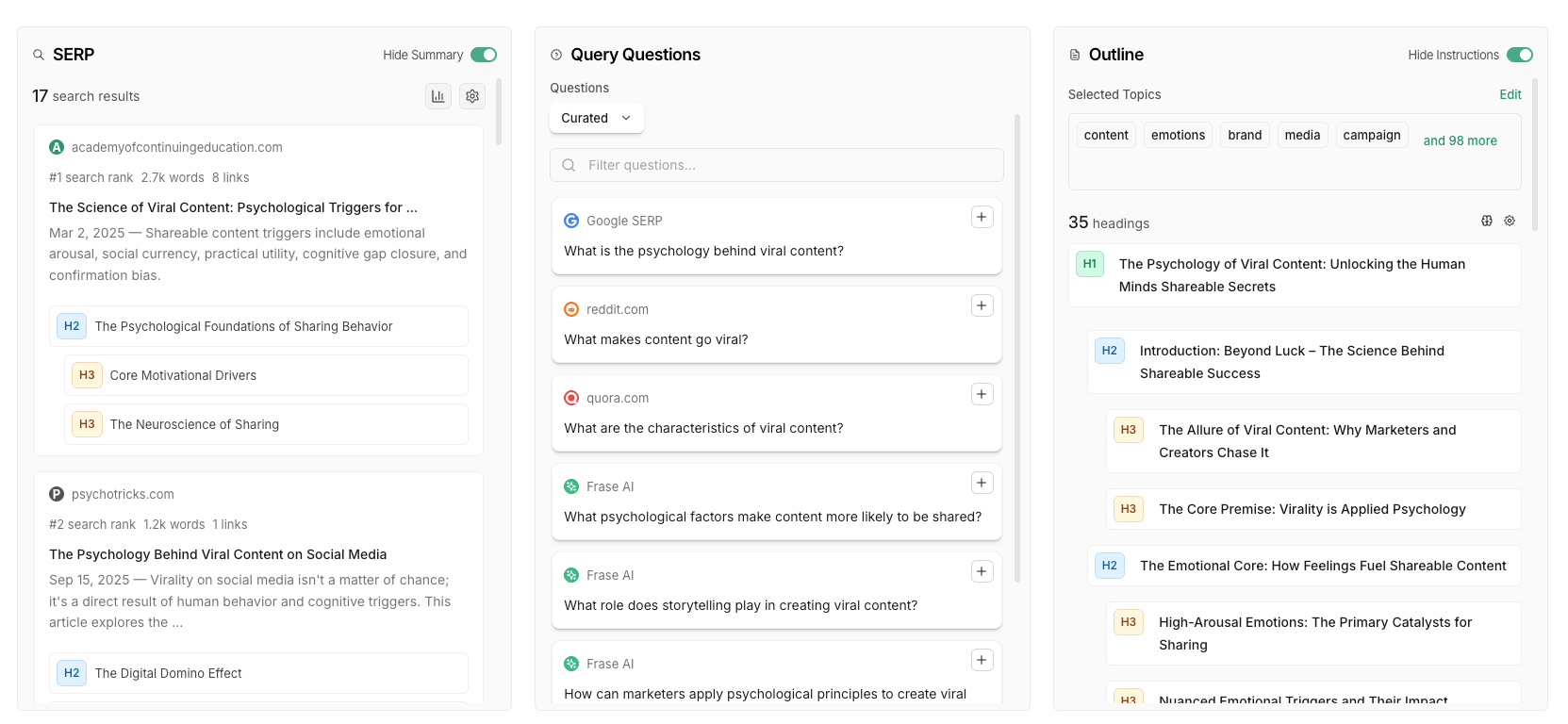
If you’re choosing between tiers, start by mapping your next month’s deliverables to the plan’s included volumes: how many new pages, how many refreshes, and how many domains you’ll touch. That’s more predictive than comparing feature lists, because feature access is rarely the bottleneck; throughput is.
Seasonality
SEO tools rarely follow the same promo calendar as physical retail, but discount behavior still clusters around predictable moments: Black Friday/Cyber Week, year-end budget flush, and major product launches. The bigger “seasonality” for Frase is usually your own calendar: content refreshes after algorithm updates, quarterly planning, and campaign-driven publishing spikes.
A clean strategy is to plan subscriptions around the work, not around hope. If you have a heavy refresh month (dozens of URLs to update), that’s when optimization workflows and audits deliver the most value per dollar; if you have a quiet month, that’s when a smaller tier or a pause may be the better “deal.”
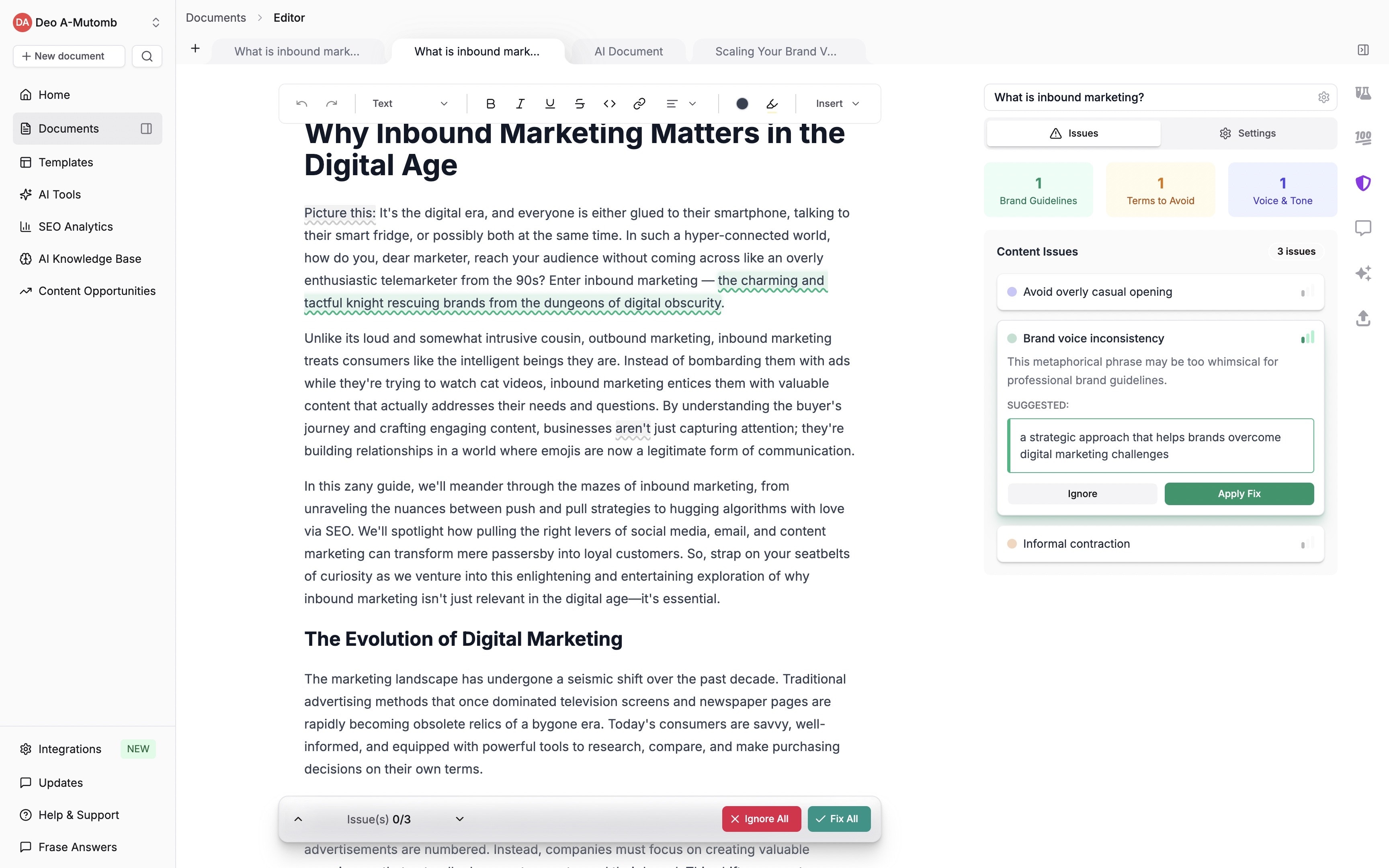
One practical move is to calendar a 10-minute “pricing check” before each quarter begins. You’re not hunting codes; you’re confirming which tier matches the next sprint and whether annual billing still makes sense for the year ahead.
Alternatives
If Frase doesn’t fit your workflow or budget, compare alternatives based on where you’re feeling pain: research depth, optimization scoring, content briefs, or reporting. Plan math beats coupons, so run the same two or three target keywords through each tool and compare how quickly you reach a publishable outline and a clear optimization target.
- Surfer SEO: strong on optimization guidance and content scoring, especially if you already have briefs and drafts elsewhere.
- Clearscope: popular for editorial SEO teams who want a clean topic coverage approach and strong content grading.
- MarketMuse: often chosen for content strategy and topic modeling, especially for larger sites and planning.
- Semrush: broader SEO suite that can cover research and tracking, though content workflows may be more modular.
- Ahrefs: excellent for competitive research and link intelligence, typically paired with a separate content editor/optimizer.
If your goal is “one tool replaces three,” Frase is usually compared on integration and workflow speed; if your goal is “best-in-class research,” a broader SEO suite plus a lightweight optimizer can be the right mix.
FAQs + operator notes
Q: Is there a working Frase coupon code right now?
A: As of March 2026, I couldn’t confirm a public, sitewide coupon string on Frase’s official pages, so treat third-party code lists as unverified until the discount changes your official order summary.
Q: Does Frase have a free trial?
A: Yes. Frase’s official pricing page highlights a 7-day free trial and that no credit card is required, which is the safest way to test whether the workflow fits your team.
Q: What’s the easiest way to save without a code?
A: Use the trial for a real production loop, then pick the smallest tier that matches your monthly volume; consider annual billing only after you’ve proven consistent usage.
Q: Why did my promo code fail?
A: Most failures come from scoping rules (new customers only, annual billing only, or a specific tier/seat count). Retry once with clean formatting, then rely on tier and billing cadence instead of chasing random codes.
Q: What happens if I cancel and come back later?
A: Frase’s help center notes that canceling can remove discounts or promo offers associated with your account, and re-subscribing later won’t apply them retroactively, so don’t cancel unless you’re comfortable losing the offer.
Q: How should I pick between Starter, Professional, and Scale?
A: Decide based on throughput: how many pages you’ll research/optimize, how many domains you need to monitor, and how many people need access. If your volume is uncertain, start smaller and scale after two cycles of real usage.
Operator notes: Last checked: March 2026 after reviewing the official pricing, Terms, and billing help pages. Verified on official sources: the pricing page’s plan names and annual/monthly toggle, the “Annual Save 20%” label, the 7-day free trial and no-credit-card messaging, and published cancellation/refund language in the Terms and help center. Not verified: any third-party coupon strings, countdown “limited time” sale claims, or whether a promo field appears in every possible checkout variant across all countries and payment methods.
